Get the shelf level
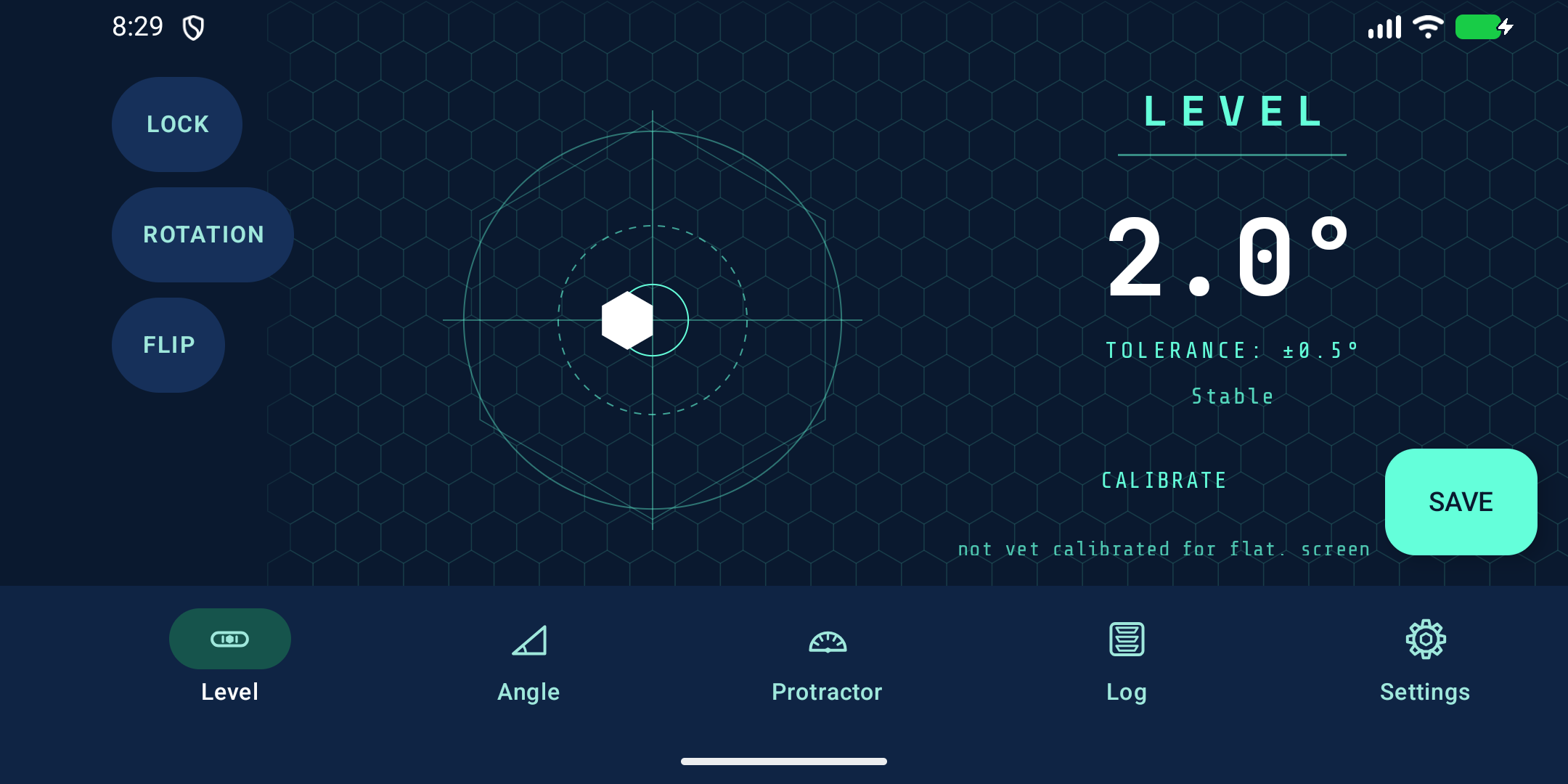
Calibrate your phone, then set it on the shelf and watch the bubble as you adjust. The angle readout shows how far off you are.
 Dumby Apps
 PlumbPoint / Level and angle finder
Set your phone on a shelf to check for tilt, hold it against a post to see if it’s upright, or trace a corner right on a photo.
What you can do
Calibrate your phone, then set it on the shelf and watch the bubble as you adjust. The angle readout shows how far off you are.
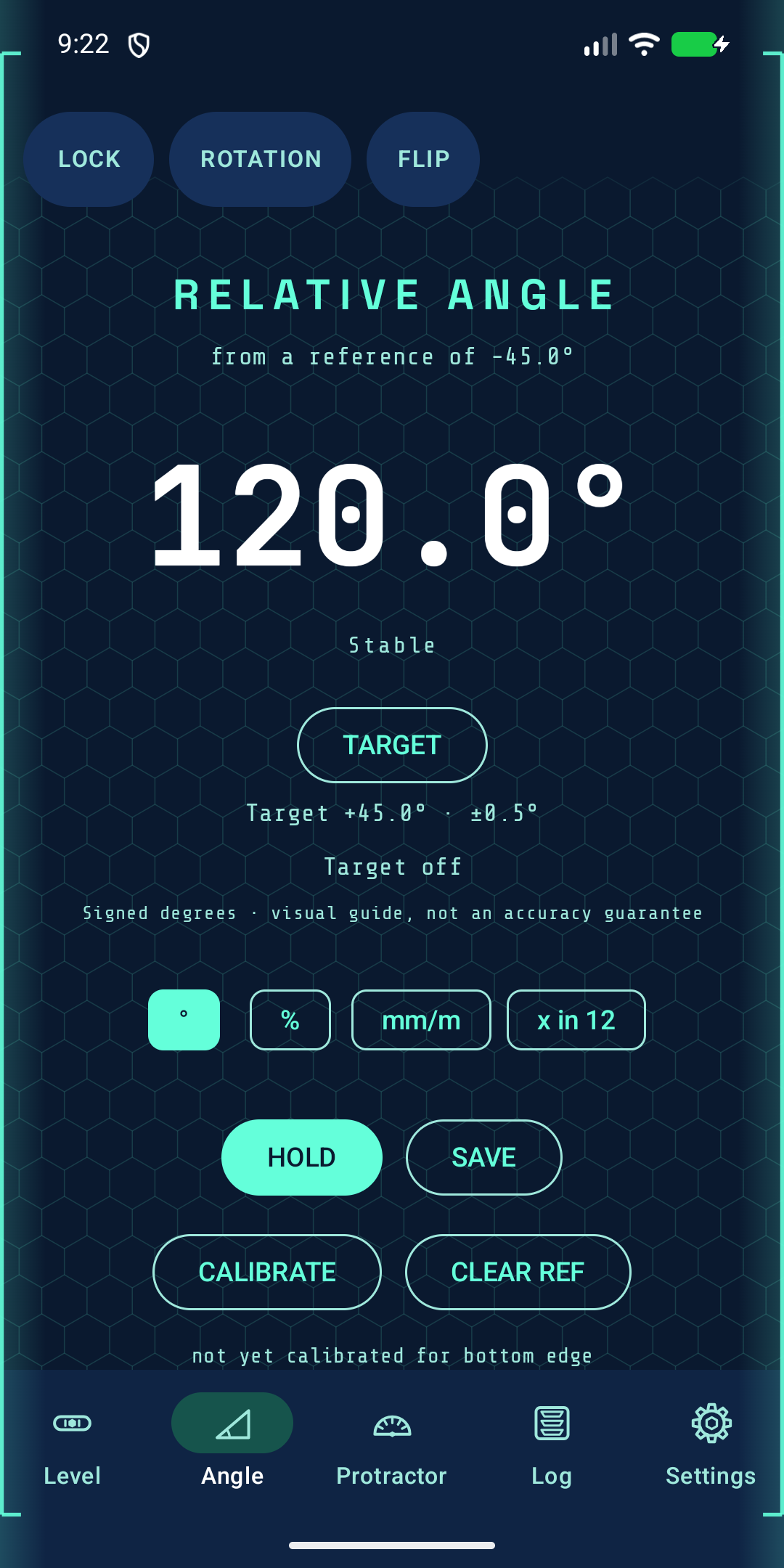
Line your phone up with the first edge and tap Set Ref. Move to the second edge to see the difference, or use Hold to freeze a reading while you write it down.
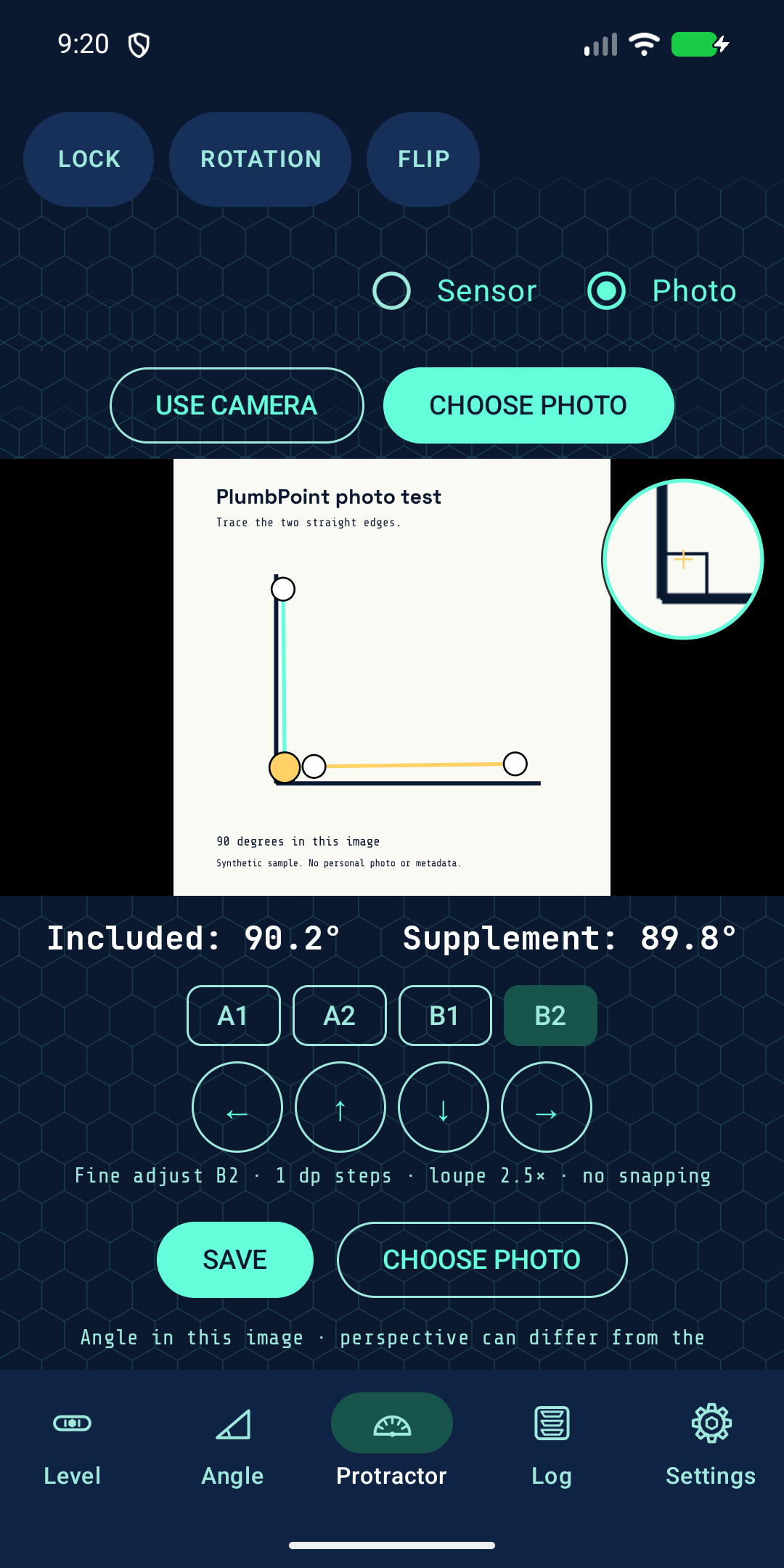
Line up the protractor’s arms with two edges in a photo. Read the angle between them and save it with a note so you know which corner it came from.
Direct download
We’ll put the Android download and a quick install guide right here when PlumbPoint is ready.