Set up for the room you have
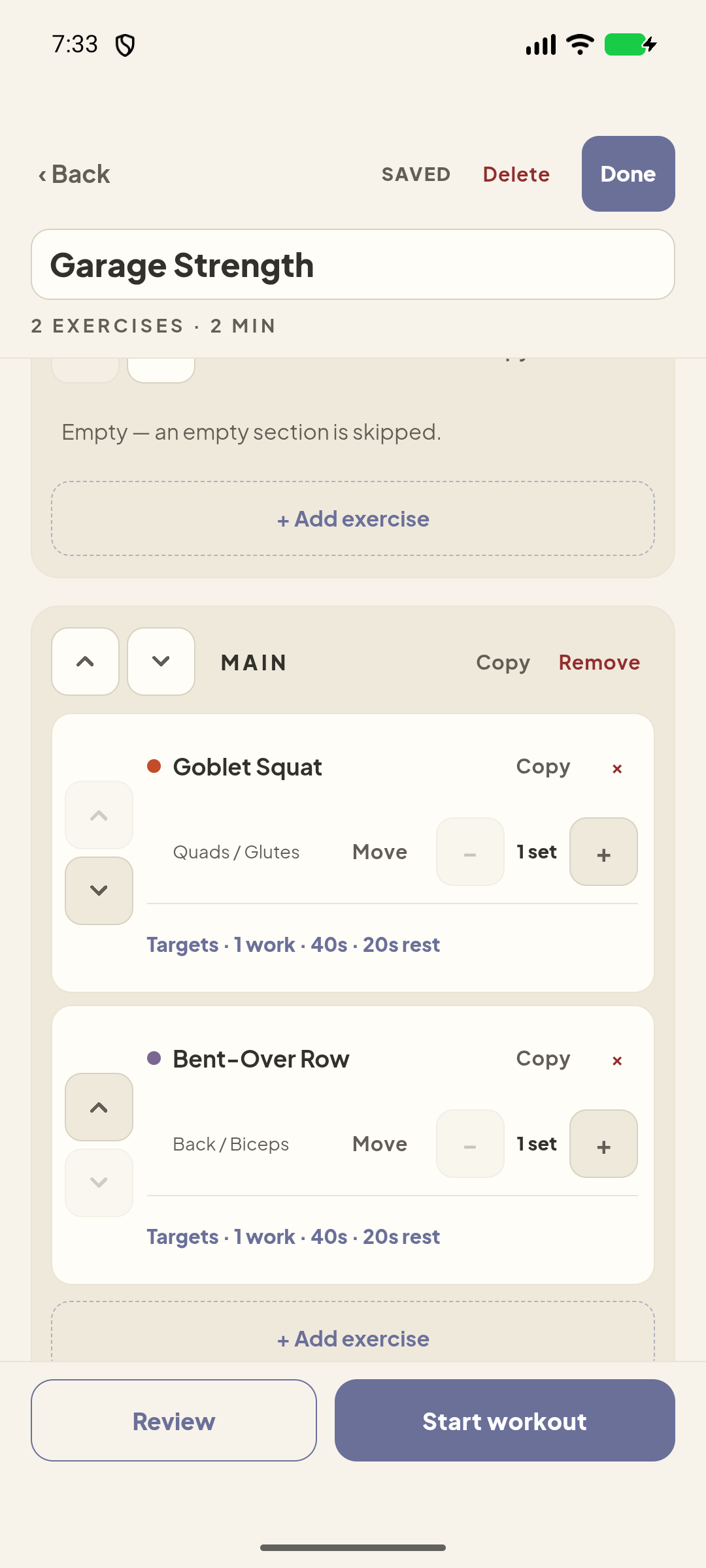
Squeeze in a short session or go for the longer one. Pick the no-bench or low-ceiling option when your space calls for it.
 Dumby Apps
 Dumby for Android
Short on time or working out under a low ceiling? Pick a dumbbell routine that fits the room and the time you have, then let Dumby run the clock.
The workout
Squeeze in a short session or go for the longer one. Pick the no-bench or low-ceiling option when your space calls for it.
Glance at the exercise illustration, do your set, and let the timer count down your rest. The next move is already on screen.
Pull up past sessions when you want to see what you lifted or which routine you did. Export a backup when you’re ready to move your history to another phone.
Direct download
We’ll put the Android download and a quick install guide right here when Dumby is ready.
You’ll open the downloaded Android installer on your phone. Android may ask you to allow installation from the app that opened the file. The release page will walk you through the steps.
Yes. Once installed, Dumby’s routines, timer, and workout history work offline.
Use Dumby’s export feature and save the file somewhere you control. You can import that file on a compatible installation.